Pilot program · Workplace Operations Engine

Meeting rooms, resources, and facility requests get messy when nobody knows what's actually used.

Seatti uses real desk-level and resource-level usage data to reduce manual workflows across meeting rooms, workplace resources, and facility service requests.

3
core workflow areas
1
operational layer
Pilot
early access cohort
Operations / Daily report
Live
Meeting room efficiency
No-show detected
Berlin · 09:00
No-show detected
Lisbon · 10:30
Recurring misuse
Oslo · weekly
Suggested release
Berlin → free
Workplace resource allocation
Height-adjustable desks · Zone A4/12
Focus pods · Floor 29/10
Team zone · Product6/20
Facility service requests
  • Kitchen 3F · coffee machine
    New
  • Room 2.14 · projector cable
    Assigned
  • Room 2.14 · 6 issues / 30d
    Hotspot
The three problems

Manual workplace workflows are still everywhere.

Operations teams spend hours every week chasing answers across calendars, spreadsheets, and inboxes. Seatti turns the actual signal — real usage — into operational workflows.

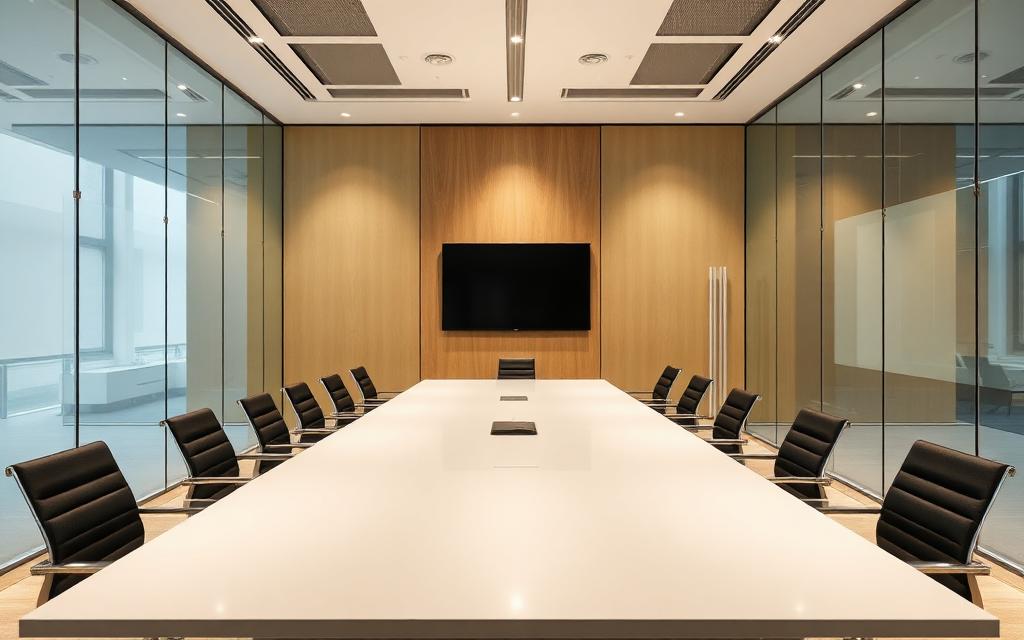
Empty modern meeting room with glass walls
Problem 01

Meeting room efficiency

Meeting rooms are booked but unused, used without booking, or blocked by recurring meetings. Employees complain about scarcity while admins cannot tell whether it's real demand, ghost bookings, or inefficient room behavior.

How Seatti helps

Seatti compares room bookings with actual occupancy data — surfacing rooms booked but empty, used without booking, recurring no-shows, and rooms that could be released or reconfigured.

Example insight

"Room Berlin was booked 82% of the time but occupied only 41%."
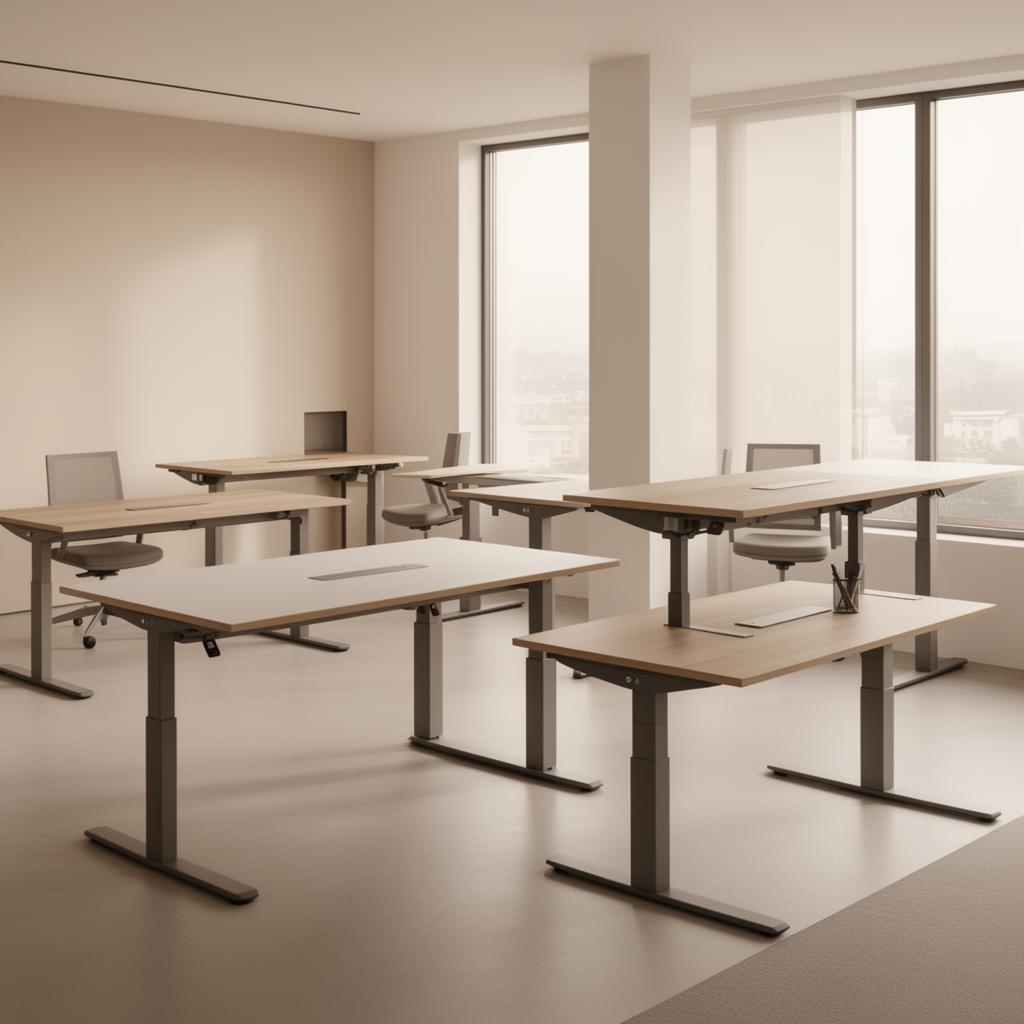
Modern office with height-adjustable standing desks
Problem 02

Workplace resource allocation

Height-adjustable desks, team zones, equipment, focus areas, parking and rooms are scarce and often poorly allocated. Teams lack evidence about what's truly needed, underused, or assigned to the wrong groups.

How Seatti helps

Seatti uses desk-level and resource-level usage data to show actual demand, usage frequency, no-show patterns, and underused resources — so workplace teams can reallocate fairly and efficiently.

Example insight

"12 height-adjustable desks are assigned to one area, but only 4 are regularly used."

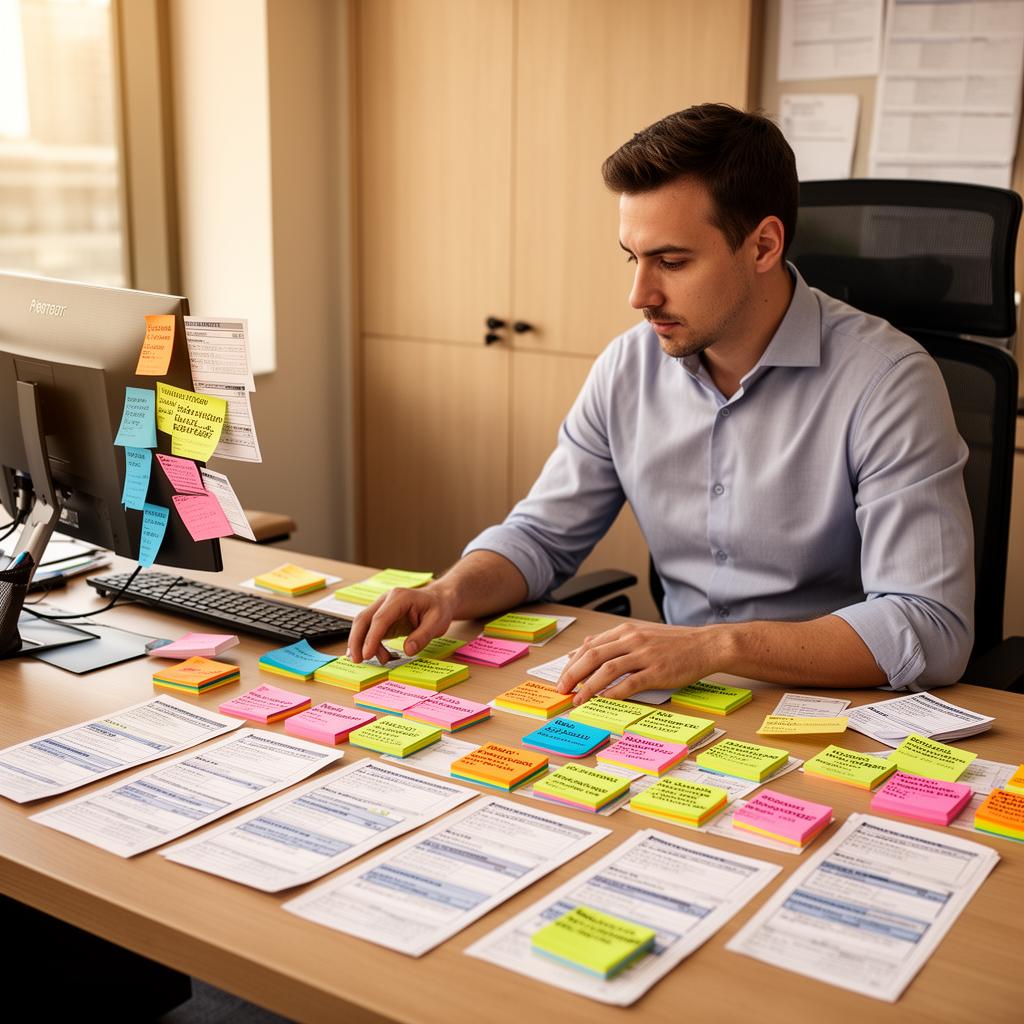
Facility manager at desk with sticky notes and service requests
Problem 03

Facility service requests

Issues with desks, rooms, equipment, kitchens and common areas are reported through emails, chats, and informal messages. There's no structured way to connect issues to locations, resources, or usage patterns.

How Seatti helps

Seatti connects requests to specific desks, rooms, zones, and resources. Combined with real usage data, teams see which areas repeatedly create issues and where proactive maintenance is needed.

Example insight

"Meeting Room 2.14 had 6 equipment issues after high-usage days this month."

How it works

From raw office activity to operational workflows.

A simple four-step pipeline running on real desk- and resource-level usage data.

  1. 1

    Capture real office activity

    Seatti receives desk-level, room-level, and resource-level usage data from workplace signals and integrations.

  2. 2

    Compare planned vs. actual

    Seatti compares bookings, assignments, resource usage, and service activity with what actually happened in the office.

  3. 3

    Trigger operational insights

    Seatti identifies no-shows, blocked rooms, scarce resource conflicts, underused assets, and recurring facility issues.

  4. 4

    Turn insights into workflows

    Seatti creates reports, alerts, suggested actions, and workflow triggers for workplace and facility teams.

Workflow triggers

Operational logic, written in plain language.

Pilot workflows show how Seatti turns real usage data into suggested actions for workplace and facility teams.

1Pilot
IFa meeting room is booked but unused after 15 minutes
THENsuggest releasing the room.
2Pilot
IFa scarce resource is rarely used
THENflag it for reallocation.
3Pilot
IFa desk is used without booking
THENmark it as occupied and include it in the daily workplace report.
4Pilot
IFthe same room has repeated equipment issues
THENcreate a facility hotspot alert.
5Pilot
IFa resource is heavily used over time
THENsuggest preventive maintenance or additional capacity.
Daily workplace operations

One dashboard for the people who actually run the office.

A single operational view replacing scattered spreadsheets, email chains, and ad hoc reports.

Daily workplace reportTue · 14 May
Booked vs. actually used
68%
rooms used as booked · -9% vs last week
Room no-show rate
24%
bookings without occupancy · +3% vs last week
Used without booking
41
desks & rooms today · tracked automatically
Scarce resources
3
allocation conflicts · needs review

Underused resources

  • Height-adjustable · Zone A33%
  • Parking · Garage 241%
  • Focus pods · Floor 128%

Facility issue hotspots

  • Room 2.146 issues
  • Kitchen 3F4 issues
  • Room Lisbon3 issues

Suggested actions

  • Release Room Berlin (no-show)
  • Reallocate 8 desks · Zone A
  • Open ticket · Room 2.14 projector
Updated 2 min ago Exportable as CSV / PDF
Built for the people who run the office

Concrete value for every workplace stakeholder.

Facility Managers

Less manual coordination and faster daily decisions.

Workplace Managers

Better visibility into how desks, rooms, and resources are actually used.

Office Managers

Fewer spreadsheets, emails, and ad hoc follow-ups.

COOs

Operational efficiency across workplace services.

IT / Workplace Tech

One connected operational layer instead of fragmented tools.

Seatti

Validate your first workplace workflow.

We are opening pilot conversations with teams that want to reduce manual workplace operations and use real occupancy data to improve meeting rooms, resource allocation, and facility workflows.

Get the Toolkit